Create Concepts: From Mood to Visual Directions

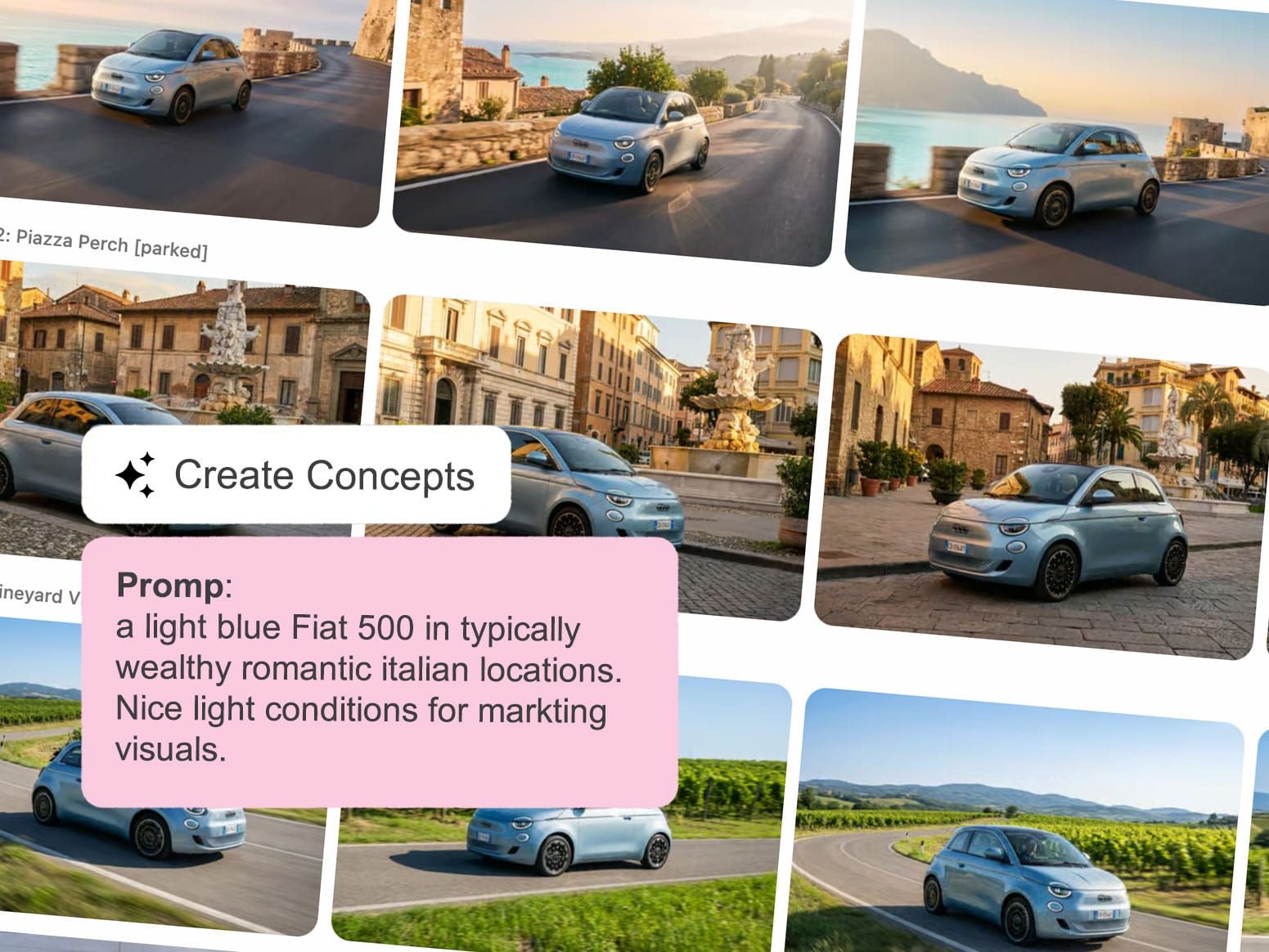
Creative teams rarely start with a finished campaign idea.
Most projects begin with fragments: a few mood references, a vehicle rendering, a lighting idea, a location style, or a visual direction that still needs exploration. The challenge is turning those loose ideas into convincing concepts quickly enough to support pitches, presentations, internal reviews, and early campaign discussions.
That’s exactly why we built Create Concepts.
The new AI workflow inside MAGROUND.com helps users generate complete automotive visual directions in a very short time, based on uploaded mood references, vehicle assets, and a simple text prompt that expains the gereral visual concept.
Instead of manually searching for matching locations, testing compositions one by one, or building early visuals from scratch, MAGROUND automatically combines your references with real photographed locations from the MAGROUND archive and generates a broad range of creative directions instantly.
Built for Fast Exploration and Inspiration
Create Concepts is designed for the early creative phase. The goal is not to generate one final image immediately. The goal is to explore many possible directions quickly and visually.
Users upload:
- Mood references
- Vehicle images or renderings
- A short prompt describing the intended mood, campaign idea, or atmosphere
MAGROUND`s AI then analyzes the input and automatically selects matching backplates and productions from the MAGROUND archive.
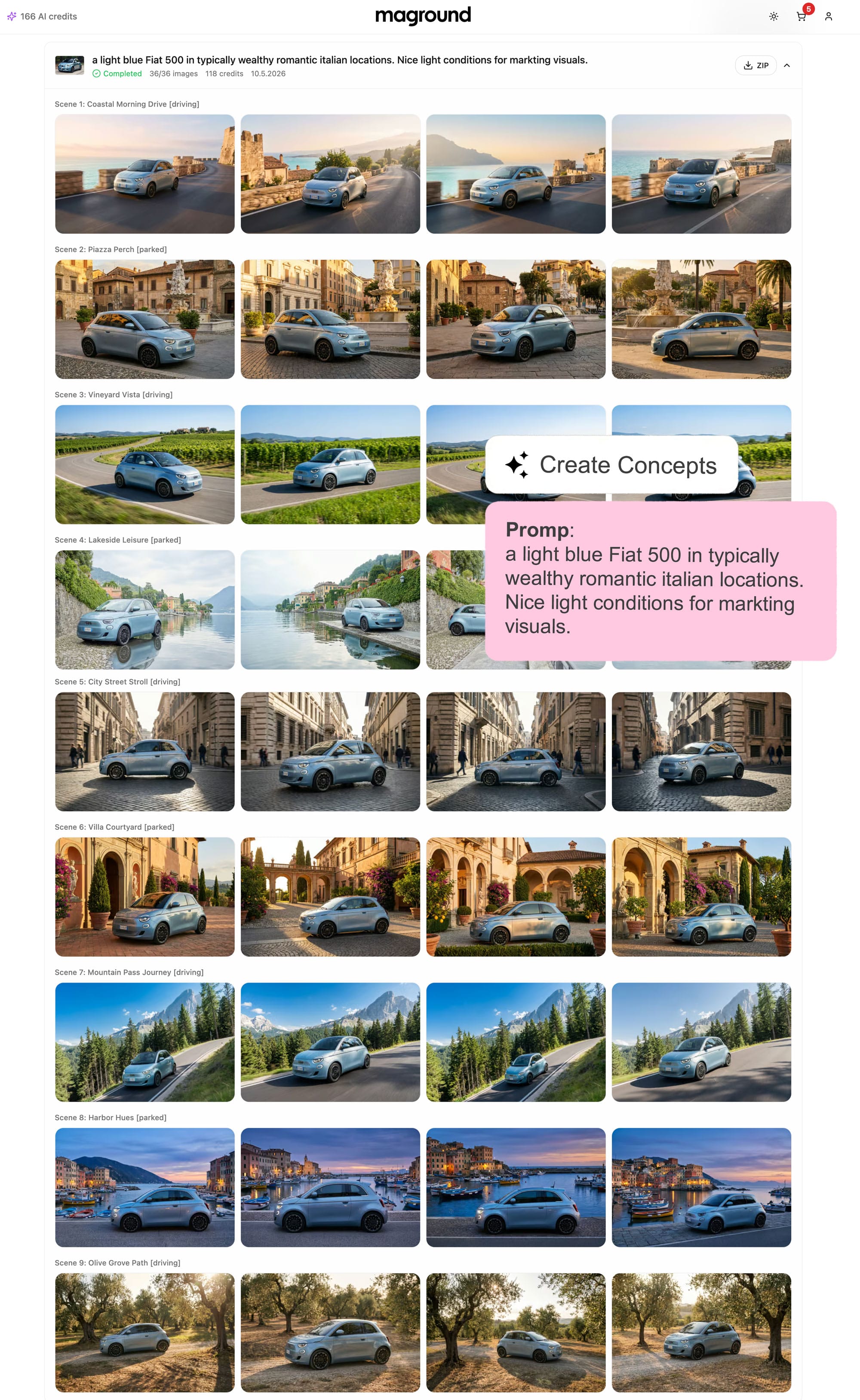
Based on this setup, the workflow generates: 9 different visual concepts with 4 images per concept
This creates a total of 36 generated visuals in one process, giving creative teams a broad variety of ideas, moods, camera angles, environments, and visual directions to explore.
Why Variety Matters
One of the biggest advantages of Create Concepts is speed combined with creative breadth. Instead of committing too early to a single direction, users can quickly compare:
- Different environments
- Lighting situations
- Camera perspectives
- Color moods
- Visual storytelling approaches
This makes the workflow especially useful for:
- Creative agencies
- Automotive marketing teams
- Art directors
- Pitch development
- Early campaign exploration
- Social media concept creation
- Internal brand presentations
The workflow helps teams move from abstract references to visual conversations almost instantly.
Built on Real Locations
Unlike fully synthetic workflows, Create Concepts is built on MAGROUND’s archive of real photographed automotive locations.
That means generated concepts inherit:
- Real world lighting
- Natural reflections
- Authentic environments
- Production ready compositions
The result feels grounded and realistic from the beginning.
From Concepts to Refined Visuals
Once the 9 concept directions are generated, users can select their favorite images and continue refining them. This is where the workflow becomes much more than just inspiration generation. Selected visuals can be optimized using: Edit with AI
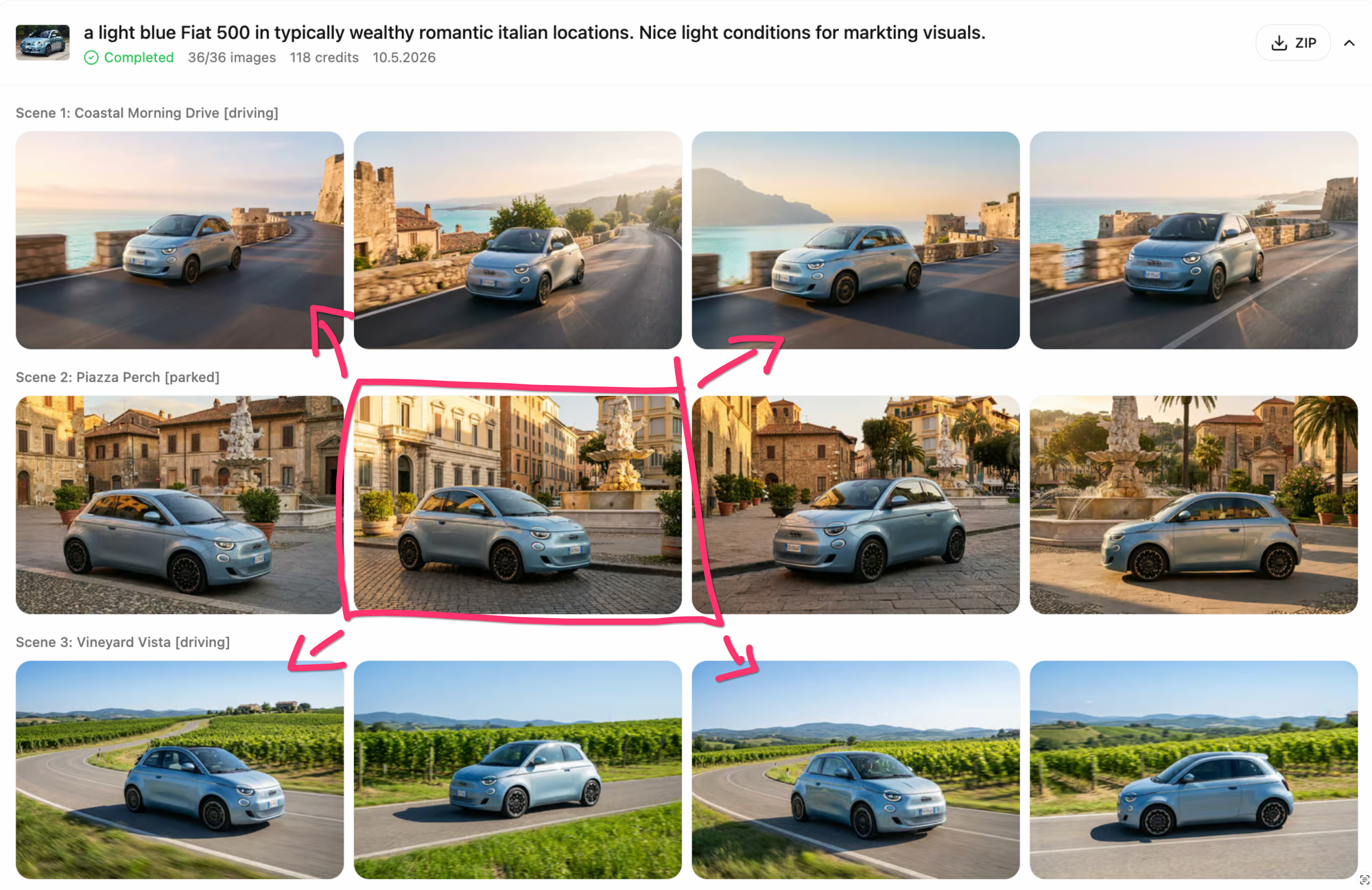
With Edit with AI, users can:
- Adjust compositions
- Change details
- Extend the frame
- Add or remove objects
- Generate iterations
- Refine moods and lighting
- Improve visual consistency
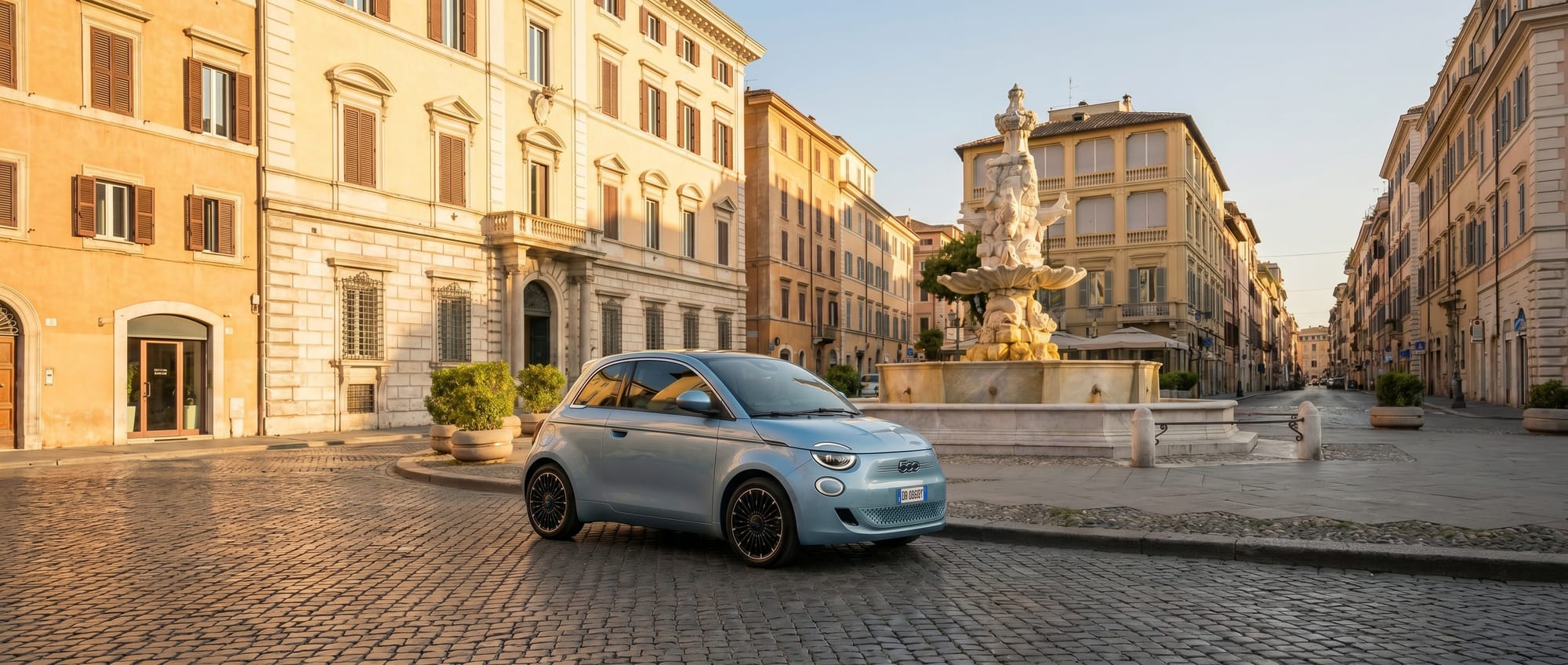
At this stage, visuals can also be rendered in: 4K resolution
This makes the workflow suitable not only for moodboards and concepts, but also for social media visuals, presentations, and even production-ready outputs.
Flexible Output Workflows
Different teams need different levels of production accuracy. That’s why Create Concepts supports multiple finishing workflows.
Option 1: Use the AI visuals directly Many generated visuals are already suitable for:
- Social media campaigns
- Internal presentations
- Pitch decks
- Early marketing assets
Option 2: Upscale up to 10K resolution
Users can upscale visuals for higher resolution applications and larger format usage.
Option 3: Remove the AI-generated car for CGI replacement
For high-end campaign production, users can remove the generated vehicle entirely while keeping the environment and lighting setup. This allows teams to replace the car using their existing CGI workflow and guarantee: 100% product correctness
This hybrid workflow combines the speed of AI concepting with the precision of traditional automotive CGI production.
A New Creative Workflow for Automotive Teams
Create Concepts is not meant to replace creative direction. It’s designed to accelerate it. The workflow helps teams:
- Explore ideas faster
- Present more visual options
- Reduce early production effort
- Build convincing concepts quickly
- Move from inspiration to execution with less friction
Instead of spending days building early visual directions manually, creative teams can now generate, compare, refine, and evolve concepts within minutes.
Try Create Concepts
Create Concepts is now available on MAGROUND.com
Upload your references, describe your idea, and let MAGROUND AI create complete automotive visual directions built on real photographed locations.
From inspiration to campaign concepts — faster than ever before.