How to Use Create Concepts. Part 2: CGI-Ready Backplates for a Global Campaign


This is the second article in our Create Concepts tutorial series. Part 1 covers an urban MINI campaign. This part focuses on a different use case: generating fictional, cinematic locations for a premium SUV — and turning those results directly into CGI-ready backplates.
Not every campaign starts with a real location in mind. Some of the most iconic automotive advertising is built around places that don't quite exist, where a concrete platform floats above a sea of clouds, or a mountain road curves into nowhere. These locations feel real enough to be credible, but generic enough to work across every market in the world.
That's exactly the brief for this example. Inspired by the cinematic visual language of the current BMW X5 campaign, we used the MAGROUND Create Concepts workflow to generate a series of fictional hero locations, dramatic, architectural, globally relevant. And then we took it one step further: removing the car entirely to produce clean, production-ready backplates for CGI workflows.
The Brief
The reference: the current BMW X5 campaign, which positions the vehicle in locations where architecture and landscape merge into a single, seamless visual world. Floating concrete platforms, mountain roads disappearing into mist, volcanic rock formations treated as design objects.
The goal: generate additional motifs in the same visual language, suitable for global use, with no specific country or geography identifiable and produce the resulting backplates ready for use in a 3D/CGI pipeline.
Step 1: Collect Your Mood References
We used the official BMW X5 campaign imagery as our primary reference set, the existing key visuals that establish the campaign's visual identity. These were uploaded directly into Create Concepts.
Good reference images for this kind of brief include:
- Key visuals from the existing campaign (same or other brands)
- Architecture photography — minimalist concrete, elevated structures, cantilevered buildings
- Landscape photography — mountain passes, coastal cliffs, volcanic plateaus, fog and mist
- Images with a specific color grade, contrast level, or atmospheric quality
You can upload up to 10 reference images. The system reads across all of them and builds an internal design guideline, understanding the tonal range, compositional approach, ratio of architecture to landscape, and light quality. The more coherent your references, the more coherent the output.
Step 2: Select Your Vehicle Image
For this example we used an existing BMW X5 marketing photo — the vehicle in clean, neutral light, Alpine White factory color. Side or 3/4 views often work best.
Neutral lighting matters because the AI needs to read the vehicle clearly to integrate it convincingly into new environments. Highly stylized or studio-lit car images can conflict with the environment's own light logic.
Step 3: Build Your Prompt
We used a single short paragraph in ChatGPT to generate the full creative direction. Here's exactly what we typed:
"Create a concept for the new 2026 BMW X5 SUV enclosed. Show it in adventurous kind of fictional locations. Architecture parts or rocks can be used like sculptures. Parking and in action. The locations shall be generic or shall work for worldwide marketing purposes. The car has always the same color, white, like in the references enclosed. We want to show it from different angles."
The AI analyzed the uploaded reference images alongside this brief and returned a full creative direction, which we then used directly as our Create Concepts prompt.
The Prompt Used in Create Concepts
Concept: The new BMW X5 is presented in cinematic, fictional environments where sculptural architecture and monumental natural rock formations merge into one seamless visual world. Every location feels iconic, yet remains generic enough for global marketing campaigns. The white BMW X5 always remains in its original factory color, becoming the visual anchor throughout. The surroundings are dramatic but minimal — the vehicle remains the clear hero.
Visual Language: Architectural Landscapes — Minimal concrete structures, floating platforms, cantilevered buildings, infinity terraces, reflective stone plazas, monumental staircases, and sculptural walls integrated into dramatic landscapes.
Natural Monuments — Massive rock monoliths, misty mountain plateaus, volcanic formations, coastal cliffs, canyon overlooks, endless valleys, salt plains, and abstract stone sculptures that feel almost designed by nature.
Fictional Destinations — Locations blur the line between architecture and landscape. Buildings emerge from cliffs, roads disappear into clouds, rock formations resemble sculptures. Timeless rather than geographically identifiable. No specific country or region referenced.
Mood: Premium · Confident · Progressive · Cinematic · Architectural · Sophisticated · Adventurous · Timeless · Elegant · Inspiring
Color Palette: Alpine White (Vehicle) · Concrete Grey · Graphite · Natural Stone · Basalt Black · Deep Ocean Blue · Forest Green · Warm Sand · Mist Grey · Soft Golden Light
Photography Style: Premium automotive photography · Cinematic storytelling · Architectural compositions · Golden hour and blue hour lighting · Soft atmospheric fog · Dynamic motion with subtle speed blur · Drone perspectives · Clean reflections · Luxury editorial color grading
Hero Locations: Architecture: Floating concrete platforms · Minimalist villas · Monumental staircases · Infinity terraces · Sculptural concrete walls · Elevated observation decks · Modern mountain architecture
Natural Landscapes: Mountain passes · Coastal cliffs · Volcanic plateaus · Rock monoliths · Canyon roads · Salt flats · Alpine viewpoints
Roads: Winding mountain highways · Elevated bridges · Coastal roads · Open panoramic routes
Creative Direction: Every scene should feel like a destination rather than a location. Nature and architecture work together to create iconic visual stages. Rock formations are treated as sculptural design elements. Architecture appears integrated into the landscape. The BMW X5 is always shown with elegance, confidence, and presence — never extreme or aggressive.
What makes this prompt work for global campaigns:
The key strategic decision is the instruction "locations shall work for worldwide marketing purposes." This tells the system to avoid anything that reads as a specific country, culture, or landmark — and to favor the universal visual language of minimalist architecture and raw natural landscapes. The MINI prompt was built around color and real cities. This prompt is built around the deliberate absence of specificity.
Step 4: Upload and Generate
With references, vehicle image, and prompt ready, the workflow generates 9 scene concepts with 4 image variations each — 36 visuals in total.
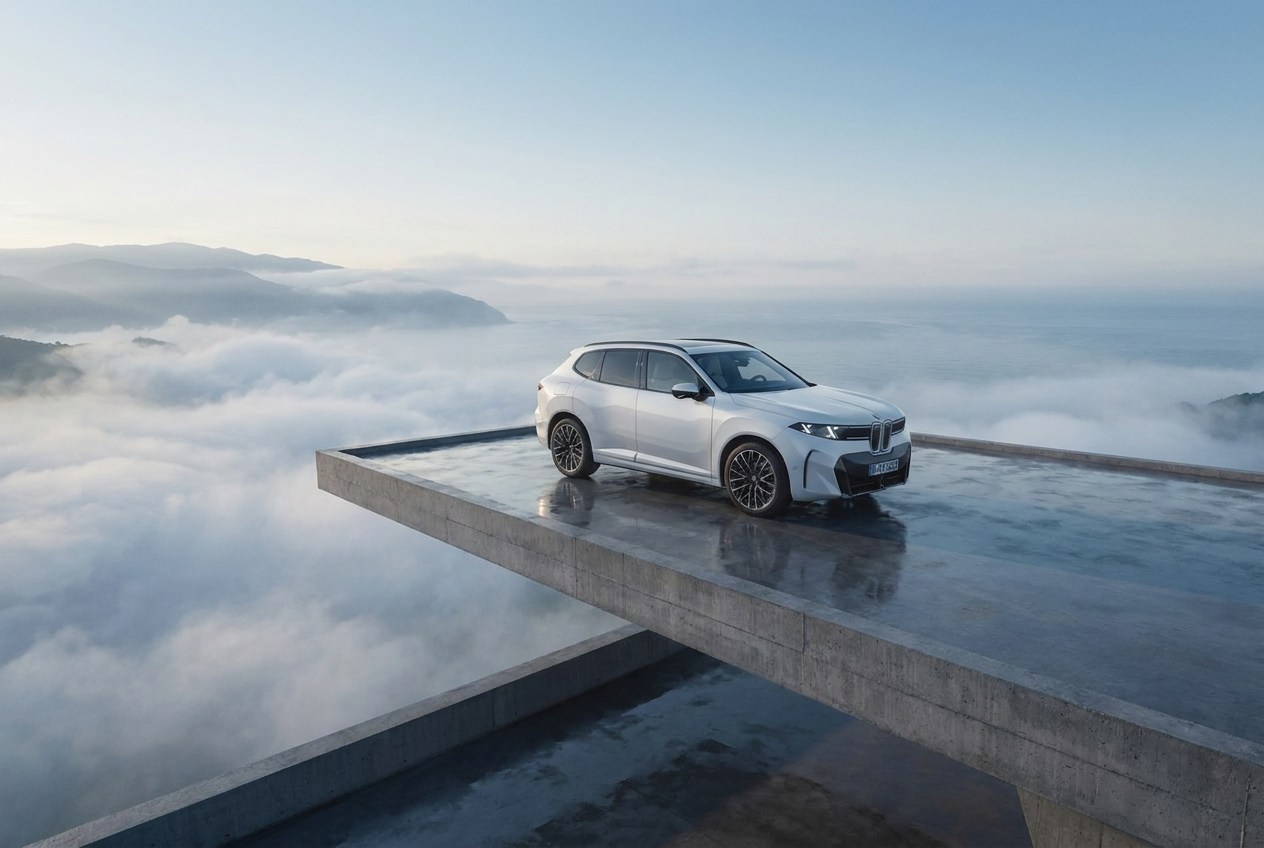
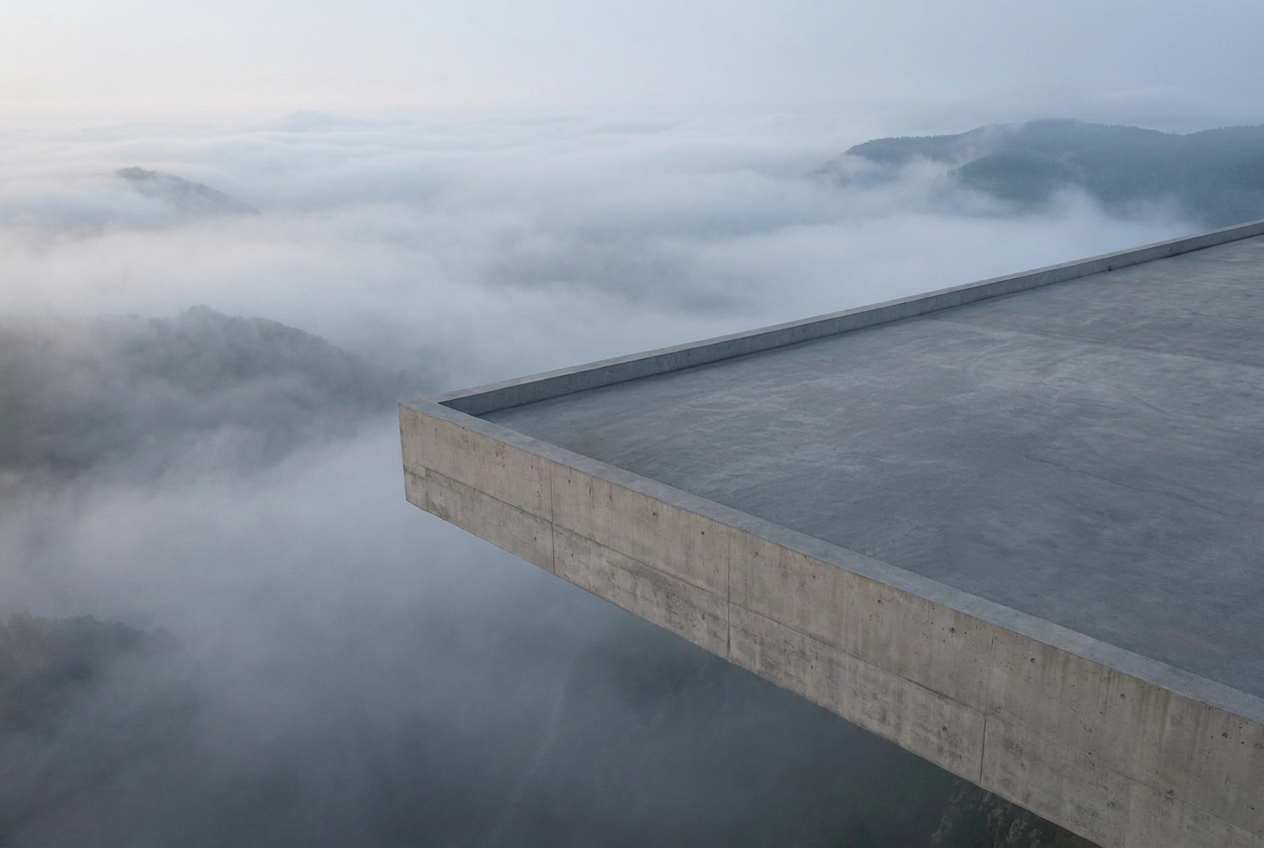
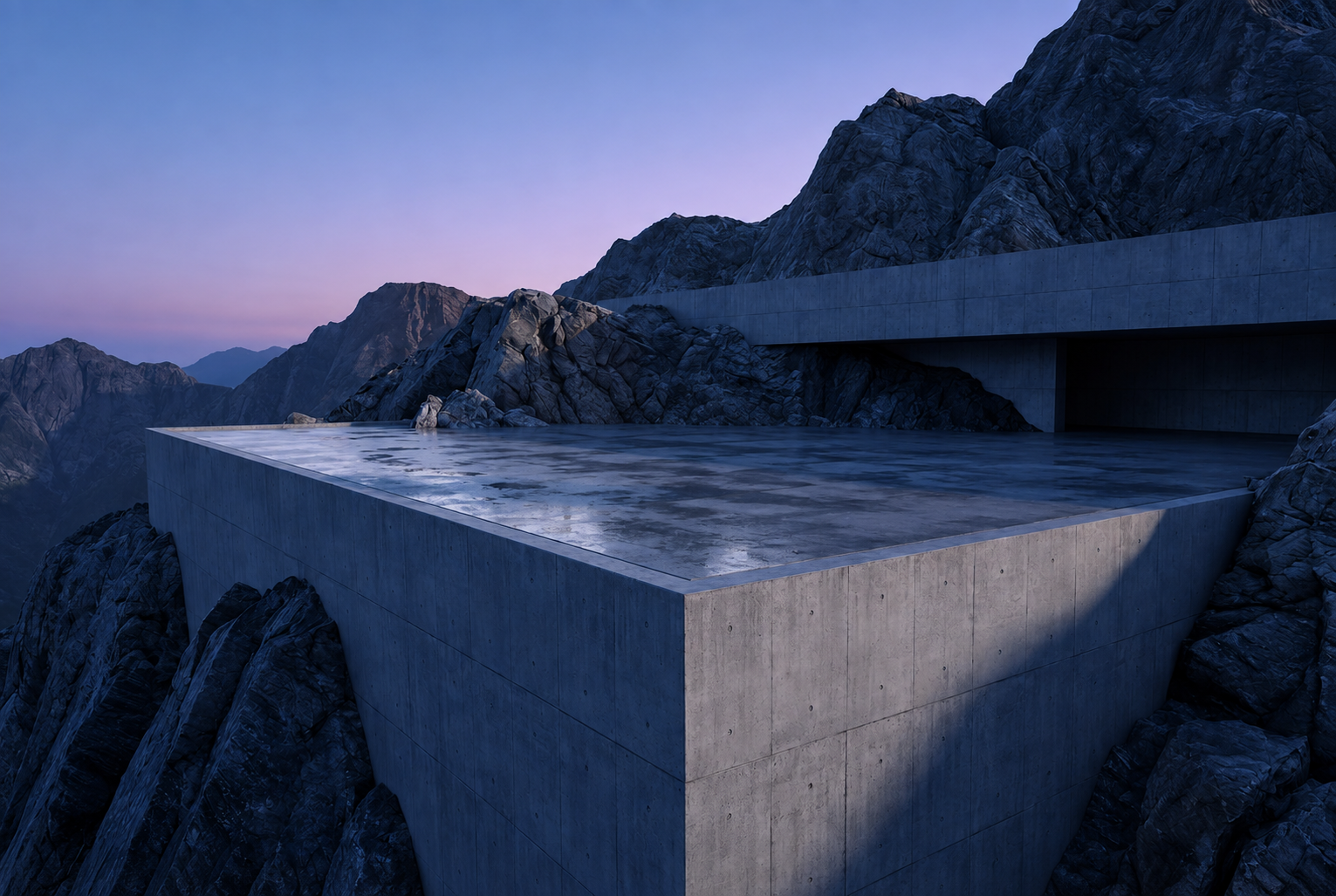
The hero result: the X5 on an elevated concrete platform, a sea of clouds filling the valley below. Architecturally precise and completely fictional, it could be anywhere in the world, or nowhere at all.
Step 5: From Generated Visuals to Clean Backplates
This is where this workflow goes beyond the MINI example.
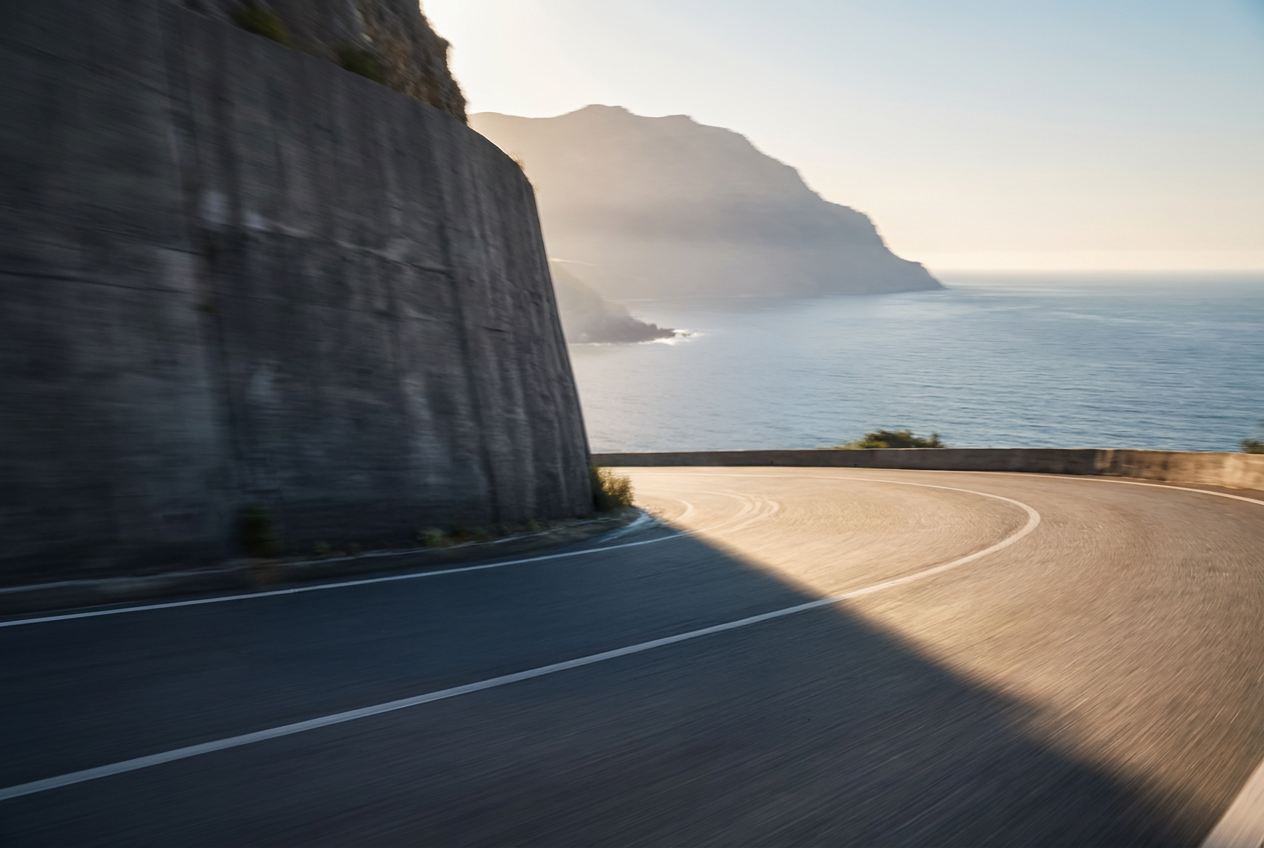
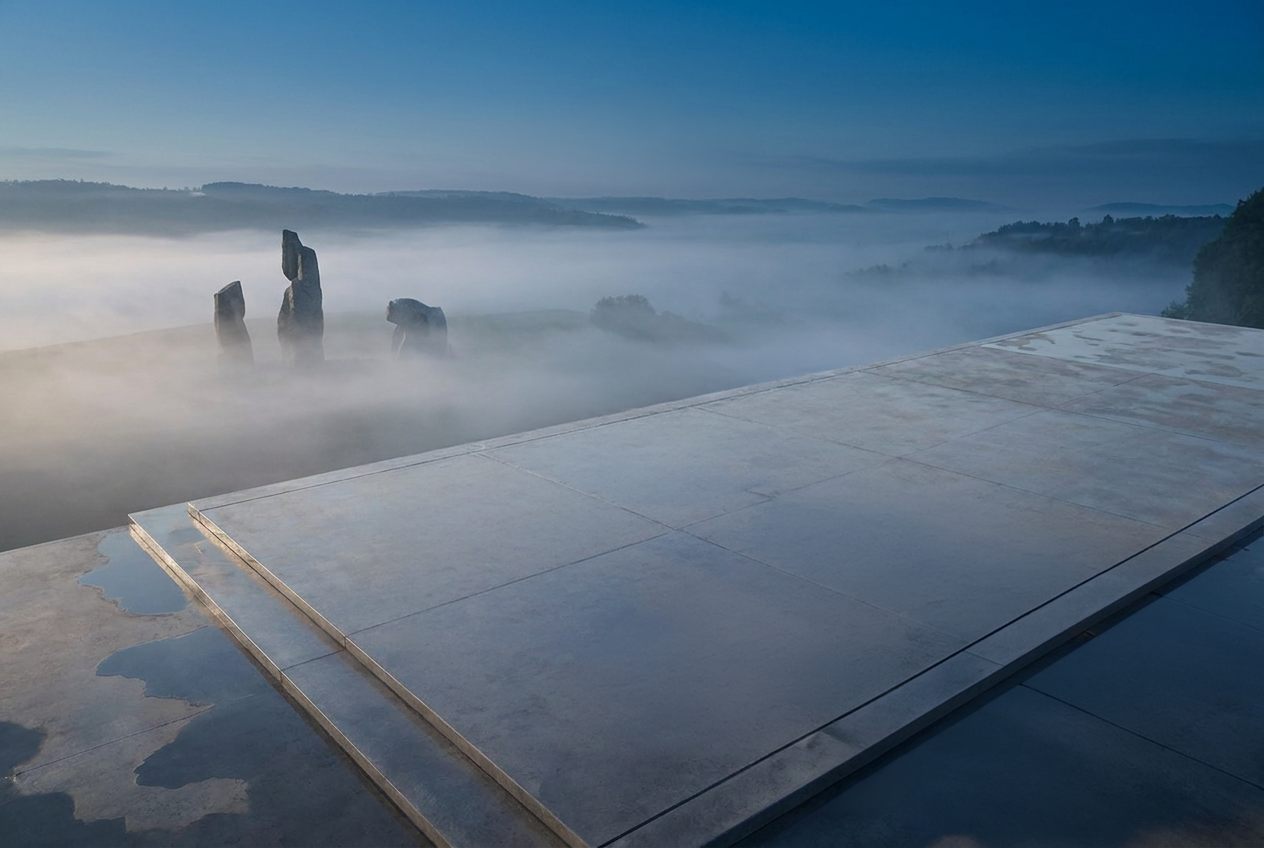
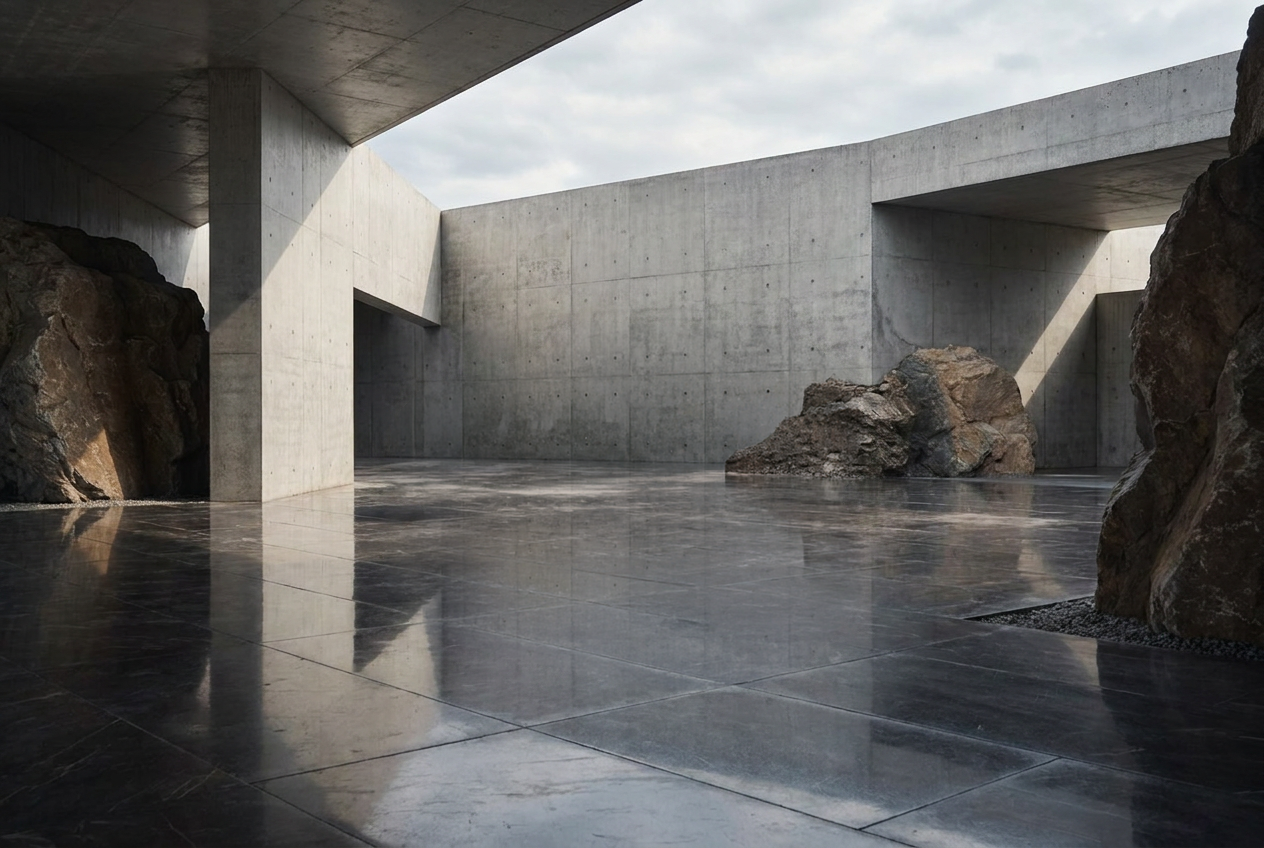
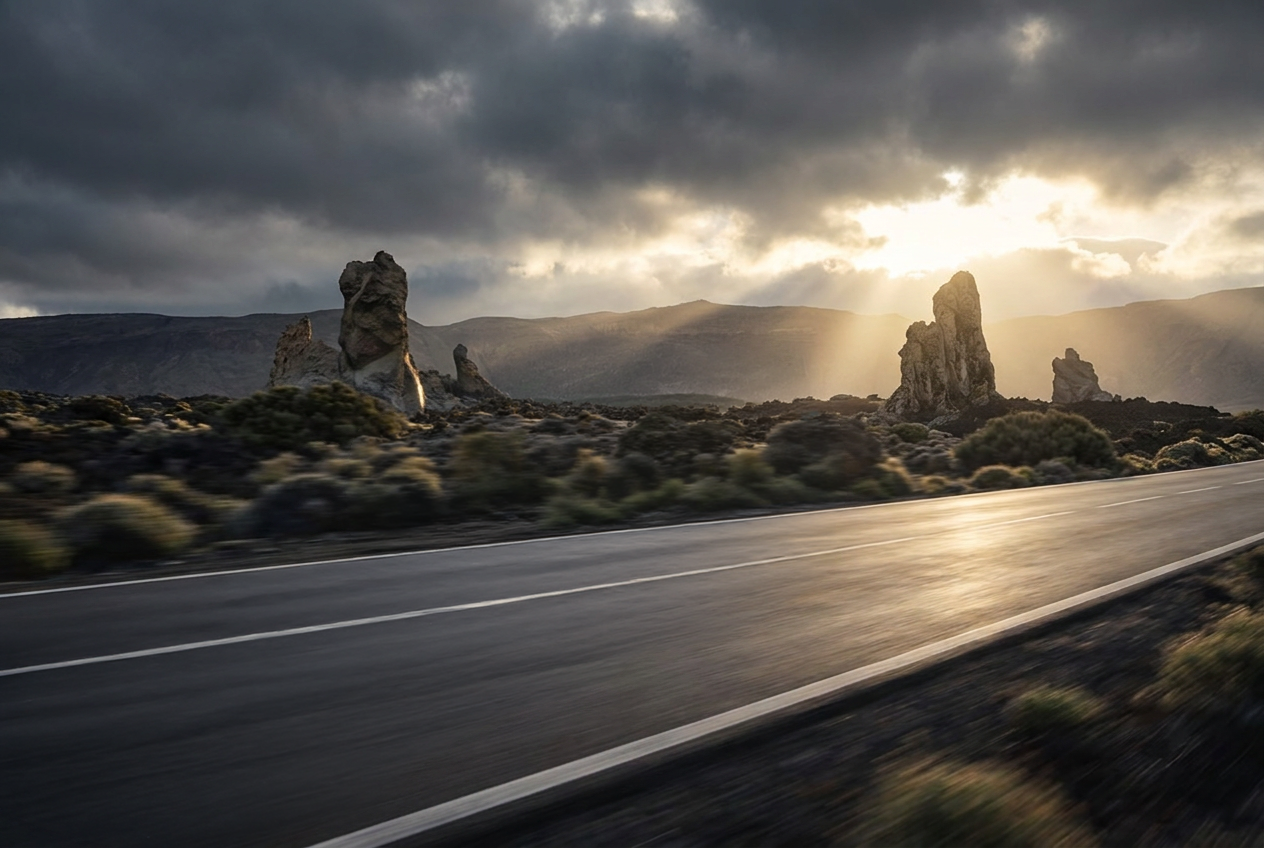
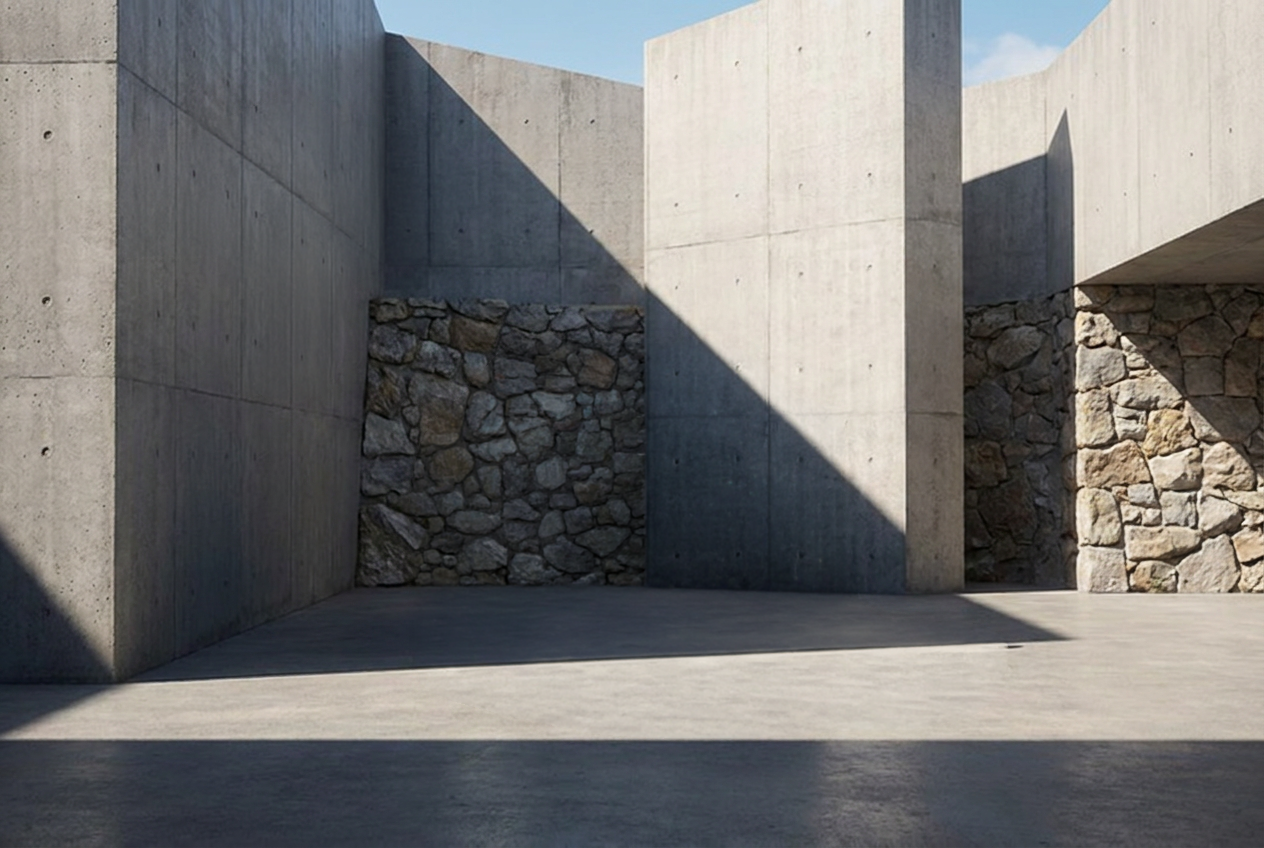
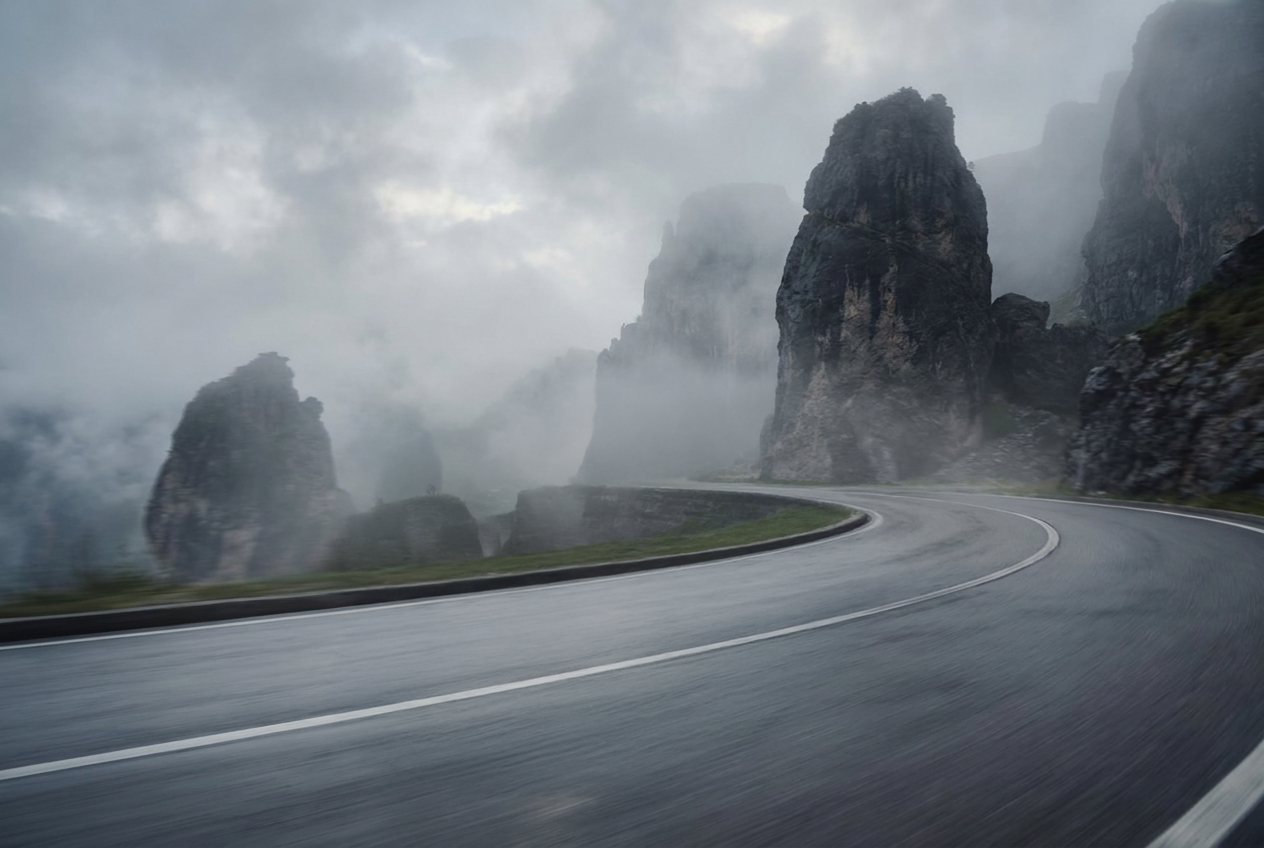
For CGI production — where a 3D vehicle model will be composited into the scene for 100% product accuracy, with accurate lighting and reflections, you need the backplate without the car. The generated images with the BMW X5 serve as creative direction and client presentation. The clean backplates go into the production pipeline.
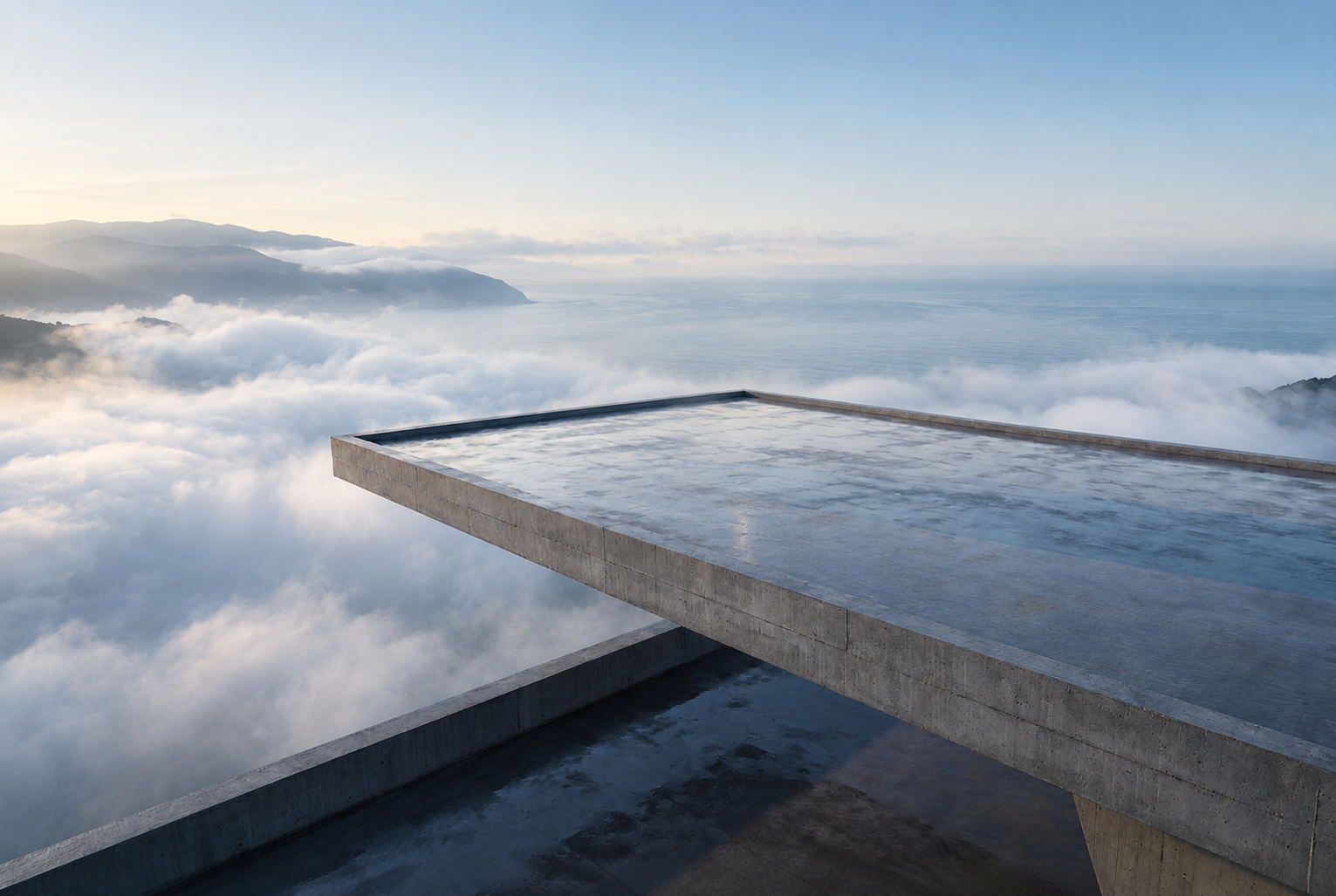
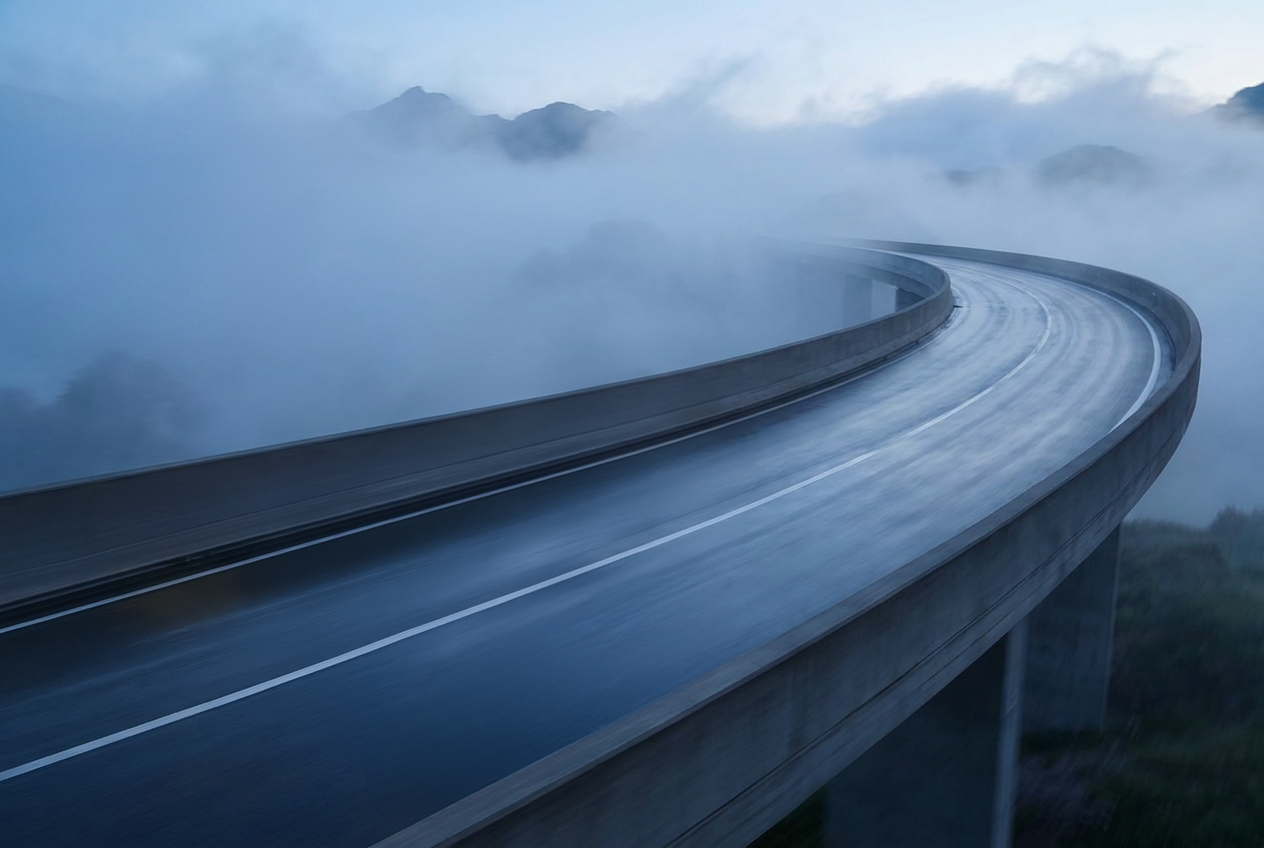
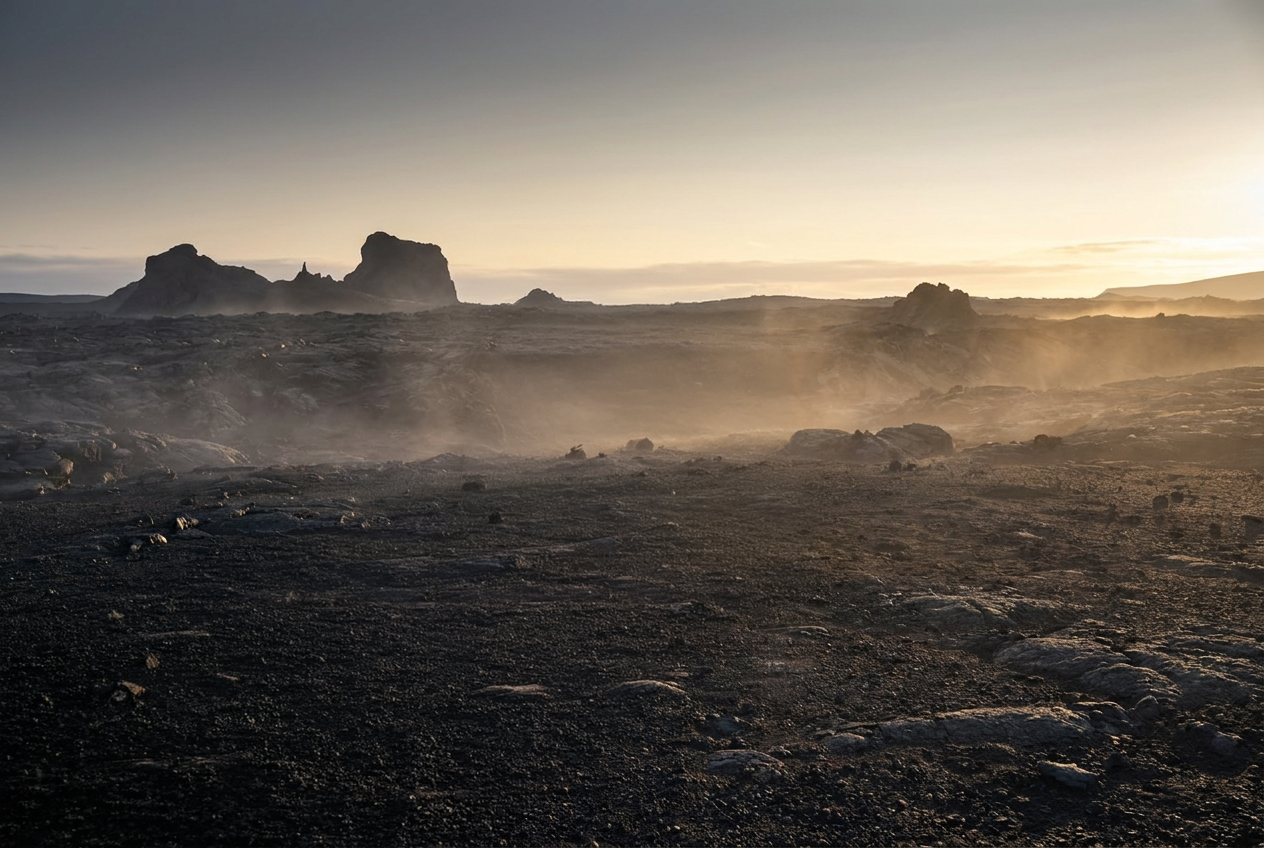
MAGROUND offers a Remove Car workflow that takes any generated image and cleanly removes the vehicle, leaving the location intact. The AI reconstructs the surface beneath the car — road, concrete, shadow — so the backplate is immediately usable.
What You Get at the End
For a CGI production pipeline, this workflow produces three things:
1. Creative direction — 9 scene concepts with 4 variations each, covering hero locations, perspectives, and lighting conditions. Used for client presentation and alignment.
2. Clean backplates — the same scenes with the vehicle removed, ready for CGI compositing.
3. Generate a Matching HDR Dome - trained on the MAGROUND HDR library, the model uses the winter backplate itself as its reference and generates a matching 360° HDR Dome — built specifically for the lighting conditions of this scene.
This is the complete package for a CGI production team: location direction, backplates, and lighting data — all from a single workflow session.
Why This Approach Works
Traditional location scouting for a campaign like this involves identifying and traveling to multiple real-world locations — or building full CGI environments from scratch. Both are expensive, slow, and resource-intensive.
With Create Concepts, location exploration happens before any of that. A creative team generates, compares, and selects visual directions in a single session — arriving at a stakeholder presentation with fully realized imagery rather than mood boards.
The backplates and HDR Domes are handed directly to the CGI team, who composite the production-accurate vehicle into confirmed environments. Up to 10x faster to concept. Clean assets ready for production from day one.
Try It Yourself
Create Concepts and the Remove Car workflow are available on maground.com.
Upload your references, add your vehicle image, and describe your concept — or generate the prompt with an AI assistant as shown above.